Fell & Sell Bugs & Fixes: Current Patch, IL2CPP, Saves, Dungeon Stuck
A troubleshooting hub for Fell & Sell: which bugs are already patched in Ver. 1.7.1, which were fixed across 1.6.x and 1.7.x, and what difficulty settings changed.
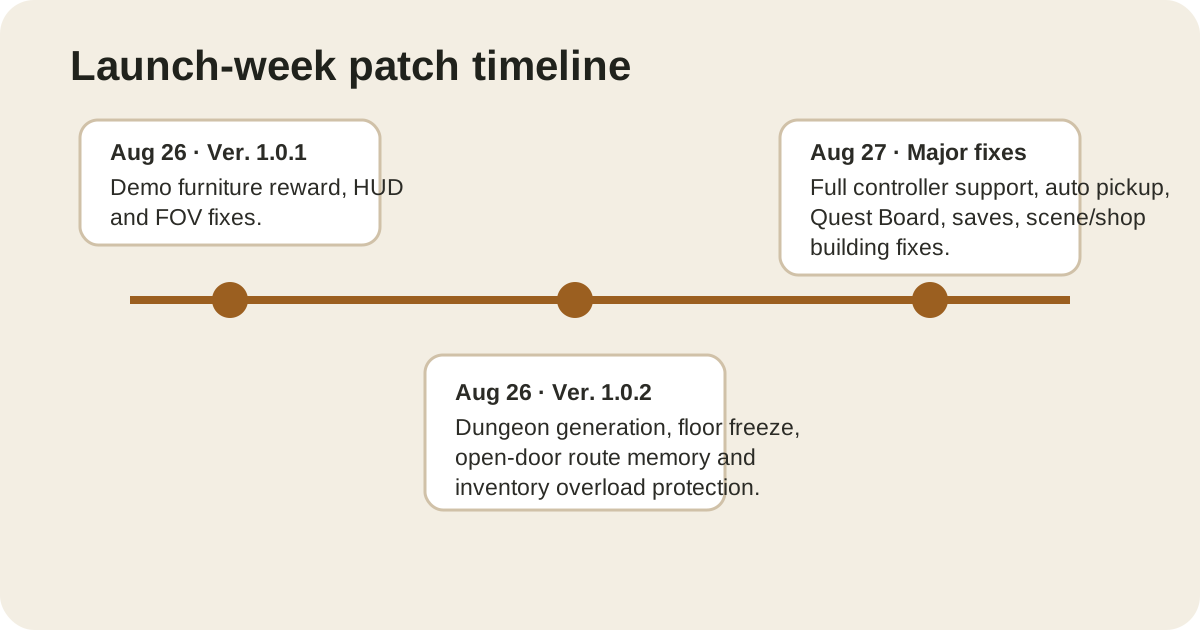
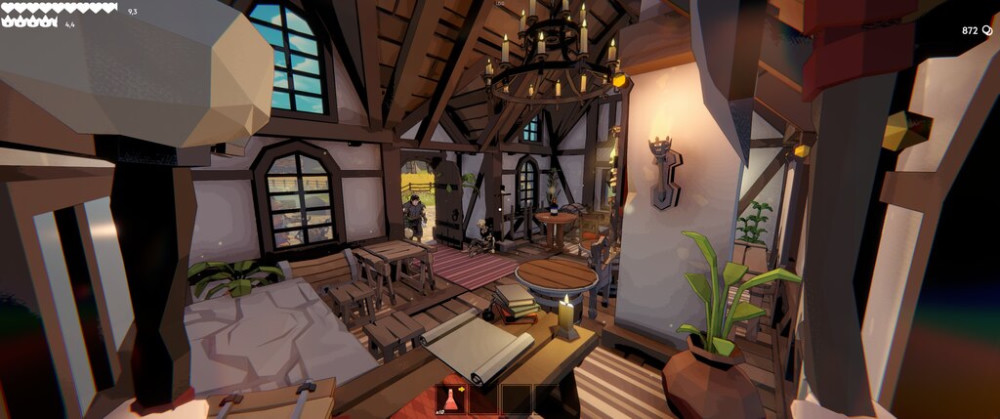
Fell & Sell shipped fast patches immediately after launch, so troubleshooting advice goes stale quickly. Before using an old workaround, check whether the bug has already been fixed.
Fixed in Ver. 1.0.2
The Aug 26 patch fixed:
- dungeon generation blocking a path and making the level impossible to finish;
- the player freezing after loading a new dungeon floor;
- opened doors closing as a navigation problem — opened doors now stay open;
- overloaded weapon swaps permanently destroying an item;
- stacked equipment equipping the whole stack;
- FOV and several audio/localization issues.
Fixed in the Aug 27 major update
The next major update added or fixed:
- full controller support;
- auto pickup;
- full key rebinding;
- gates remaining locked after all enemies are dead;
- Quest Board empty/reward-loss bugs;
- items/furniture disappearing around scene or shop-building transitions;
- save stutter/crash cases and “Unnamed” save files;
- motion blur being disabled and SSAO/shadow settings behavior.
Failed to load IL2CPP
The developer’s current troubleshooting advice is to check antivirus/security software and verify game files through Steam. Their suggested sequence is:
- Check Windows Security or third-party antivirus quarantine/history.
- Add the Fell & Sell installation folder as an exclusion if the security tool is blocking game files.
- In Steam, open Properties → Installed Files → Verify integrity of game files.
Important: at least some players reported that the antivirus/exclusion advice did not fix their post-update IL2CPP error. So this is an official first-line workaround, not a guaranteed solution.
Save problems
The developer has a pinned save-system thread and says backup saves are available for investigation/recovery. If you have a serious save issue, preserve the affected files before repeatedly overwriting the save with new sessions.
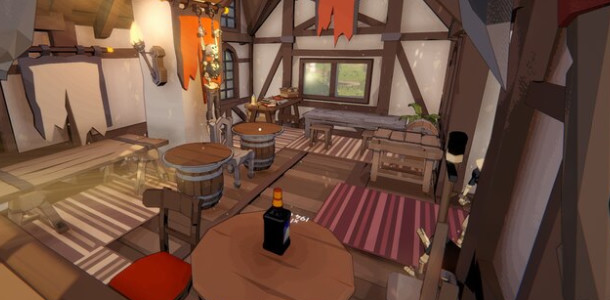
Still seeing an old fixed bug?
If a dungeon is blocked or the Quest Board is empty on a fully updated build, treat it as a regression. Include the build, save behavior, and exact steps when reporting it. That is much more useful than a generic “game broken” post.
Sources
Fixed in Ver. 1.4.2 and 1.4.3
If you hit any of these, they are already patched — update rather than work around them:
- QuestBoard hanging on load (1.4.3). If the board appeared to do nothing, it was this, not your save.
- Furniture prices multiplying every time you picked up and re-placed a piece (1.4.3).
- Keyboard dying when a gamepad is plugged in (1.4.2). No need to unplug the controller any more.
- NPCs getting stuck on furniture (1.4.2) and walking upstairs to pay while a ground-floor counter sat free (1.4.3).
- Audio stuttering (1.4.3).
- Cursor unresponsive on handheld devices (1.4.3).
- Old 1.4.0 demo saves failing to load (1.4.3).
Changed behaviour you may mistake for a bug
Two 1.4.2 changes are easy to read as faults:
- Your prices were reset. On first load after 1.4.2, overpriced items are automatically adjusted once to a random acceptable value. That is intentional and will not be the optimal price.
- Checkout is now a single interaction and customers drop gold on the counter immediately. If you are still clicking twice out of habit, you are not waiting on the game.
Fixed in Ver. 1.6.x and 1.7.x
If you are still troubleshooting against 1.4.3 advice, these are the newer fixes:
- 1.6.0 — Elite enemies regenerated 10% health per second; that is now 5%. The right-mouse-button quick price change works again when placing goods on counters. The Armor stat is now labelled Damage Reduction.
- 1.6.1 — staff projectiles no longer hit doorframes or get blocked when firing through doorways.
- 1.7.0 — forest goblins no longer trip over logs; Vampiric Aura registers hits and heals correctly; the quick-slot duplication exploit is closed; the Questboard no longer fails to display quests when interacted with; the save-delete trash icon works; dungeon teleport is faster, can be done while attacking, and is cancelled by damage.
- 1.7.1 — the Level 16 Dungeon+ boss no longer drops Grandma’s letter.
Difficulty levels changed what “bugs” mean
Since 1.6.0 the game ships three difficulty settings (Easy / Medium / Hard) that must be changed in the Village. If enemies feel faster, lunge, or combo you on Medium or Hard, that is the selected difficulty rather than a broken build. On Easy you keep equipped weapons and armor on death — inventory loot is still lost.
Reading the pricing warning
Since 1.4.2 the price text turns red when you exceed the acceptable price by 10% to 33%. Red is the signal that customers will start refusing the item, not a cosmetic flourish.