Fell & Sell Shop Pricing & Profit Guide
How supply, demand, Prestige and decoration bonuses fit together — plus a practical way to test prices without inventing a fake universal formula.
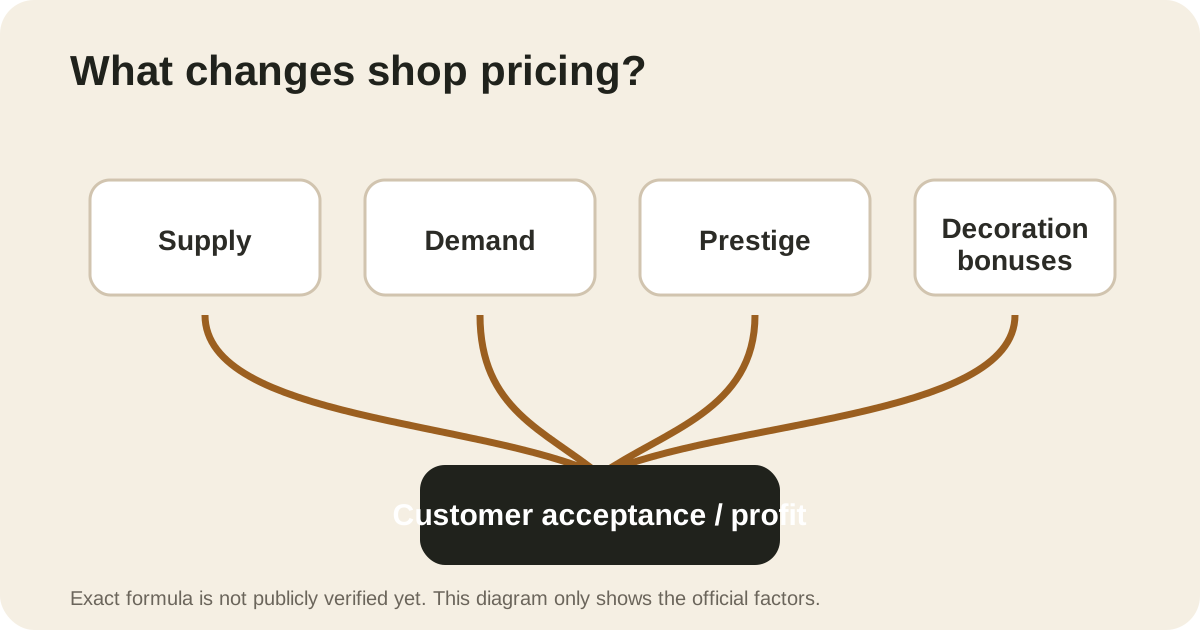
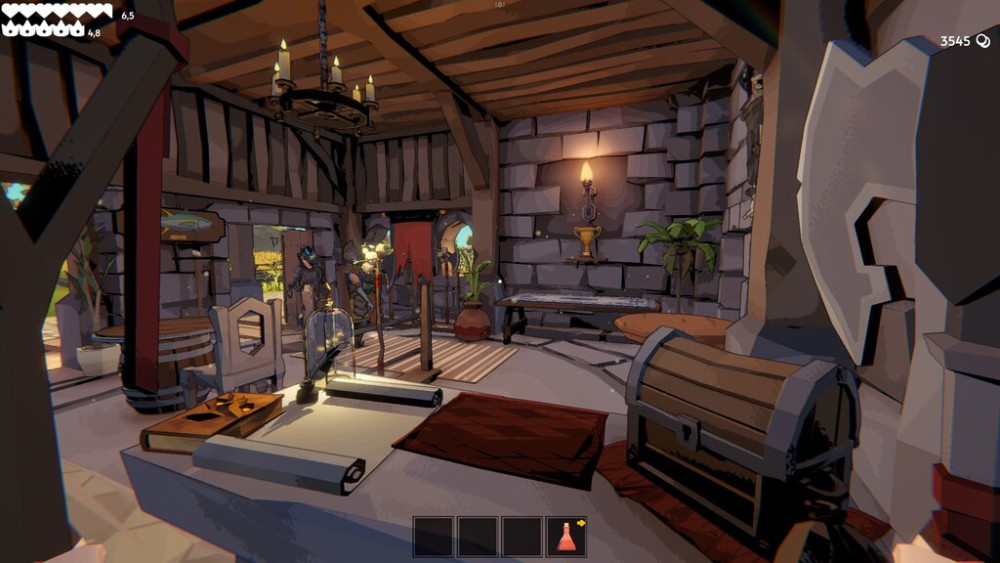
There is one thing you should know before reading any “best price” table right now: there is no trustworthy public, current-build price formula yet. The official store page confirms the inputs — supply, demand, shop Prestige, and decoration bonuses — but not the exact math.
That means the useful strategy at launch is not pretending every item has one permanent perfect price. It is learning how to test the market cleanly.
PARTIAL data tracker: Item Prices records the confirmed variables and sale categories, but it deliberately contains no invented item-price rows or formula.
Change one variable at a time
When an item is not selling, do not simultaneously change its price, rearrange the shop, and add decorations. You will have no idea what fixed the problem.
Use a simple loop:
- Put a small amount of one item on sale.
- Set a price you can remember.
- Watch customer acceptance and whether the stock actually moves.
- Adjust in small steps.
- Re-test after a meaningful Prestige or decoration change.
The goal is not a magical number; it is finding the highest price your current shop conditions can support without leaving stock stranded.
Read customer feedback and demand as signals, not a price table
The launch tutorial UI shown in multiple independent recordings gives a useful feedback loop: an angry/red reaction signals that the price is too high, a yellow/content reaction is the target range, and a happy/green reaction means the item was likely underpriced. The market panel also uses green, yellow, and red demand signals for high, average, and low demand.
Those labels tell you which direction to test; they do not prove an exact permanent price. Demand can move, and a shop’s Prestige and decorations can change the context. Use a small display batch, record the starting price and demand state, then move the price only one small step after enough customer feedback to learn from it.
If stock appears not to move, check both the price and the display. Launch recordings also show that a merchandiser can be placed with its customer-facing side in the wrong direction, which can look like a pricing failure. The Decoration guide explains that layout check.
Why Prestige matters
Steam achievements confirm Prestige milestones at levels 1, 3, 5, 7 and 10. The store page also names Prestige as one of the factors in customer pricing. What is not publicly verified is a per-level percentage or a universal multiplier.
So treat Prestige as a real economic lever, but ignore any launch-week guide that gives an exact formula without evidence.
Decorations are part of the economy, not just decoration
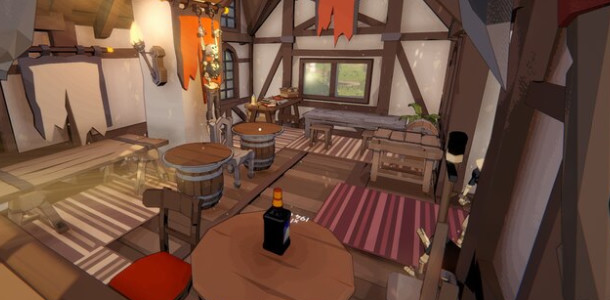
The official game description says furniture can do two jobs at once: permanent combat buffs for future dives and better shop sales appeal. That is why the most interesting launch-week search query we have seen is not “Fell & Sell price” — it is the much more specific question about whether the same decoration bonus stacks with itself.
That deserves its own guide because the answer changed during the demo balance period and the developer explicitly discussed diminishing returns.
Read the Decoration Bonuses, Comfort & Prestige guide before treating a decor change as a price-only decision, and the Crafting guide before selling an item that could unblock an upgrade.
Sell now or keep it?
Before putting an item on the shelf, ask three questions:
- Does this item block a recipe or equipment upgrade I care about?
- Is it hard enough to replace that selling it would slow the next dungeon run?
- Is my shop short on stock or gold badly enough that immediate liquidity matters more?
If the first two are “yes,” keep it. If the last one is the real bottleneck, sell. The best merchant decision is the one that makes the entire dungeon-to-shop loop stronger, not the one with the biggest single transaction.

What we are still verifying
A proper price database should eventually track at least:
- item name and category;
- observed sale price;
- supply/demand state;
- Prestige;
- active decoration bonuses;
- game build;
- sample count.
Until that data exists, this site will not publish a fake calculator.