Fell & Sell Quest Board Guide: Rewards, Bugs & Current Fixes
What the Quest Board does, why it is worth checking after expeditions, and which empty-board/reward-loss bugs were fixed after launch.
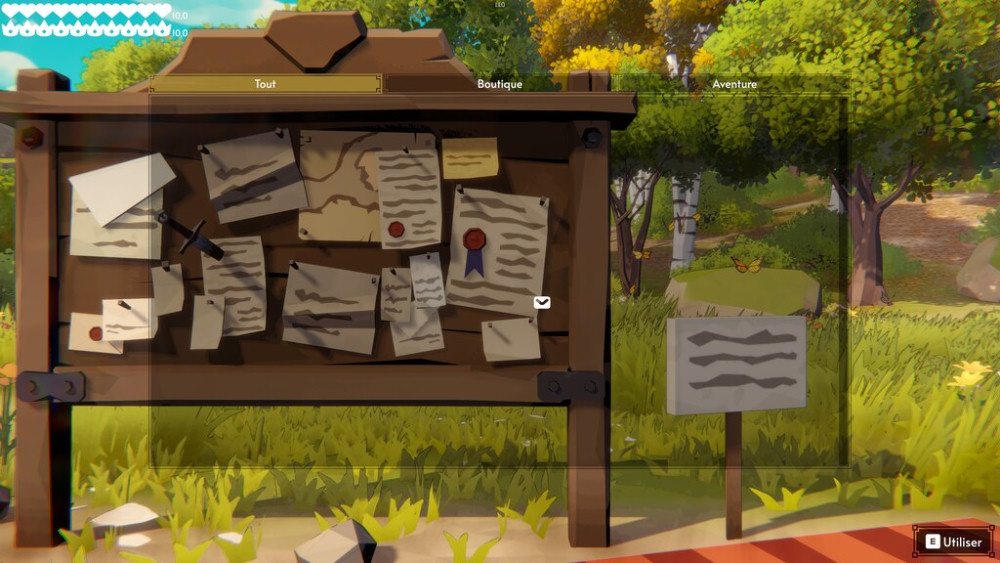
The Quest Board is easy to underuse because it can reward actions you were already doing in the dungeon. The official store page describes it as a place to turn expedition feats into gold, gear, and items.
So the best habit is simple: check it after you come home, before you spend the haul and start another run.
The current public baseline for this guide is build 24975315, observed on Aug 29. The page does not use beta-branch behavior as advice for the public build.
What was broken at launch
The Aug 27 major update fixed two Quest Board problems:
- the board could appear empty;
- earned quest rewards could disappear after loading a save.
If you see a launch-day thread saying the board is permanently empty, first confirm you are on the current build.
Why the Quest Board matters for progression
A quest reward is effectively extra value from activity you may have completed anyway. That makes it especially useful in early progression, when one piece of gear or a small gold injection can change the next dungeon run.
Do not plan your whole build around a specific reward unless the reward has been verified in the current version. The board itself is confirmed; a complete quest/reward database is not yet public.
Make the board part of the return-home routine
Launch recordings show early progression prompts around actions such as crafting, first sales, and weapon use. That makes the board and its nearby progression checklist useful as a next-step prompt: check them before selling a haul or choosing the next craft.
The safe interpretation is behavioral, not numerical. A board can reveal that an ordinary activity is close to a reward; it does not prove that every task grants the same item, recipe, or gold amount in the current build. Record the exact task and reward before treating it as a database row.
For the full return-home loop, start with the Beginner guide, then use Early-Game Tips to decide what to bank, sell, or risk next.
If the board still looks wrong
- Confirm Steam has updated Fell & Sell.
- Restart after the update if the client was left open during patching.
- Load the save and re-check the board.
- If rewards are still missing, report the exact build and save behavior in the official Steam Discussions; the developer has been actively investigating save-related reports.
For a repeatable return-home routine, see the Beginner guide. For the full launch-week change boundary, see Current Version.